Online-Banking
-
Independent of branch hours
-
Conveniently from PC or tablet
-
High safety standards
Carry out banking transactions at the click of a mouse
A big advantage for all those who travel a lot or have long working hours: If you use Internet banking, you will have to come to the branch much less often. Because you can control (almost) all banking transactions from your computer – wherever and whenever you want. Not only do you have round-the-clock access to your Girokonto , but also to all your other accounts and custody accounts – and thus, for example, to yours giropay -Operations. Change a standing order or withdraw money from the Call-money account aufs Sparbuch is done easily and quickly. Would you like to view your account statements online? You will find all important documents in your electronic mailbox.
And if you do need our help: Just come to your Sparkasse Gold as usual or use our Telefon-Banking . We are happy to be there for you.
The advantages at a glance
-
Use your account conveniently from your PC or tablet
-
Online and independent of the opening hours of your branch
-
Account access around the clock
-
Overview of your total account transactions
-
High security standards and modern TAN procedures
-
Can be combined with telephone banking and mobile banking
-
With Card Control ¹, you can independently control the possible uses of your Sparkasse cards ², and credit cards.
Already convinced?






Modern and safe
The security of your account is our top priority. That's why we rely on modern methods such as chipTAN, pushTAN and HBCI banking for home banking. This makes online banking not only convenient, but also secure. Read more about the different TAN-Sicherheitsverfahren .
You can also help protect your account. Because the be-all and end-all of online banking is a good password that you don't entrust to anyone.

Security settings for your cards with Card Control
Would you like to go on holiday in a relaxed manner – without worrying about unauthorised use of the card? Or you're not sure where you've put your wallet right now? With Card Control, you can independently control the possible uses of your haptic and digital cards. For an extra plus in safety and control. The following four uses can be activated or deactivated for your Sparkassen cards and credit cards:
- payment in shops directly on site,
-
Paying on the Internet,
-
paying abroad and
-
Withdrawing cash from ATMs.
Card Control is available in your online banking, in the Sparkassen app and in the app „Mobile payment “ verfügbar.
Get activated for online banking
Do you want to use online banking? Then have your access activated online from the comfort of your home or branch. You will then receive your access data – user name, legitimation ID and PIN – by post.
Step by step to activation
- Online-Banking activate
- s-pushTAN-App download
- Accept Terms of Use
- Set login names
- Activate via link
To use online banking, you need to activate it. The prerequisites for this are an account with an associated account card, for example your SparkassenCard¹, a mobile device and the S-pushTAN-App.
Once all the requirements have been met and the s-pushTAN app has been downloaded, you can activate your online banking access and enter your personal data. These are needed to connect your online banking to your card.
You will then need to read the legal notice and accept the terms of use to access online banking. Download the documents with one click and read through everything at your leisure.
Now the registration is almost complete. You can change the login name associated with your account number as you wish. The only important thing is that it contains numbers, special characters and upper and lower case letters and is 5 and 15 characters long.
Managed! Your online banking access is now prepared and you will receive all the contract documents as well as the link with which you can officially activate your online banking to the e-mail address you have entered.
Important: The share link loses its validity after 120 hours. As soon as you have accessed this and successfully activated your online banking, you will receive your access data by SMS or letter. One detaillierte Auflistung der einzelnen Schritte finden Sie hier.
You don't use online banking yet?
How to sign up for online banking
- Go Online
- Announce
- Convenient banking
Go to the website of your respective savings bank.
Log in with your username and password. You can change your online banking PIN directly in online banking – under the "Security" menu item. If you have ever forgotten your login details, you can request a new PIN. To do this, contact your savings bank.
Manage and control your accounts.
Mobile banking – the branch in your pocket
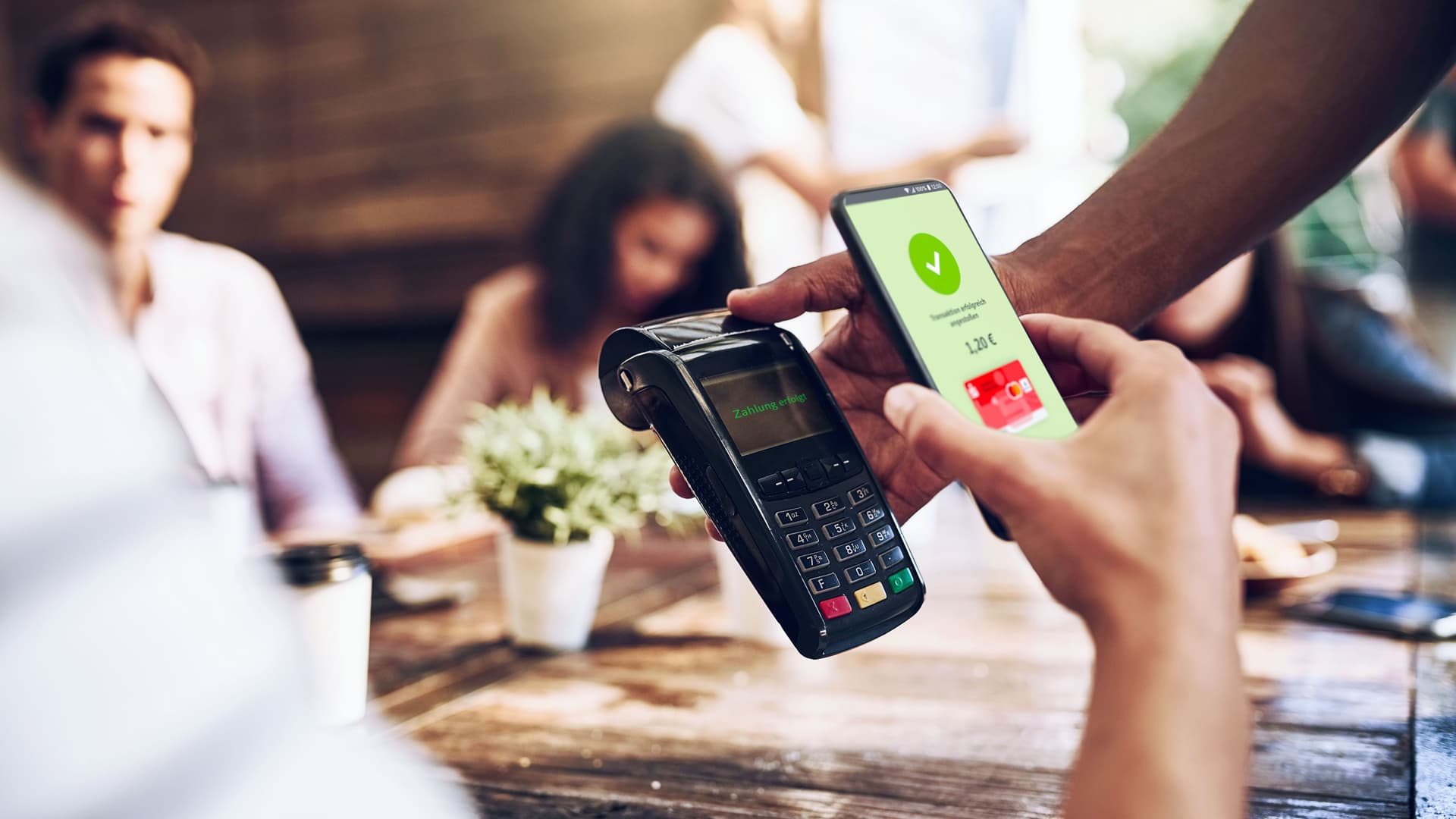
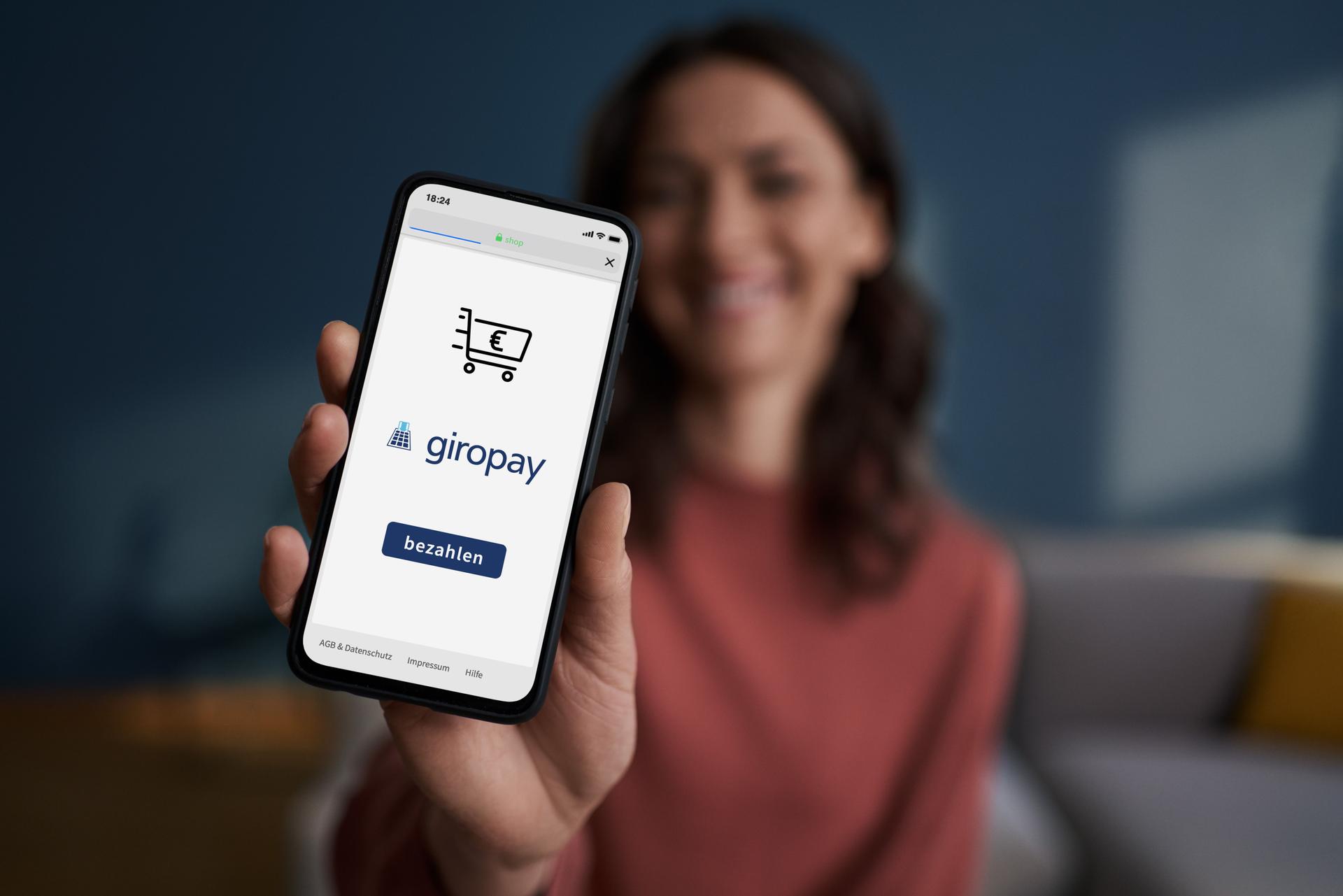
Do you want to have your finances under control while on the go? Then try our Mobile-Banking with the Sparkassen app. You can then use your smartphone to access your account at any time and from anywhere. In the app, turn on giropay | Kwitt the function giropay Send Money frei, können Sie zudem Freunden mit dem Handy Geld in Echtzeit² senden oder von diesen Geld anfordern.
¹ Card Control is available at participating savings banks.
² This product is a debit card.
³ This corresponds to a transfer according to standardized payment account terminology.
Get more out of your money
Frequently asked questions about banking
How does online banking work?
In the online banking of your savings bank, you have access to your finances at any time, can view your account balance, make transfers or set up standing orders – all from your computer, laptop or tablet.
What are the advantages of online banking?
In online banking, you can manage your finances independently around the clock, regardless of the opening hours of your branch. The Sparkasse's online banking also impresses with its high security standards and can also be used via smartphone (mobile banking).
How do I sign up for online banking?
You can be activated for the online banking of your savings bank both in your branch and on the Internet. To use online banking, open the website of your savings bank and log in with your username and password.
Where can I find the access data for home banking?
If you want to use Sparkasse's online banking for the first time, you need to apply for it – online or at your branch. You will then receive your login details (login name, legitimation ID, and PIN) by mail.
What should I do if I forget my login details or my password/PIN for online banking?
In the "Login" area for online banking at your Sparkasse, you will usually find a link "Forgot login details" or "Need help?" Click on it and follow the steps shown. This way, you can get new login details, a new password, or a new PIN for online banking at your Sparkasse.
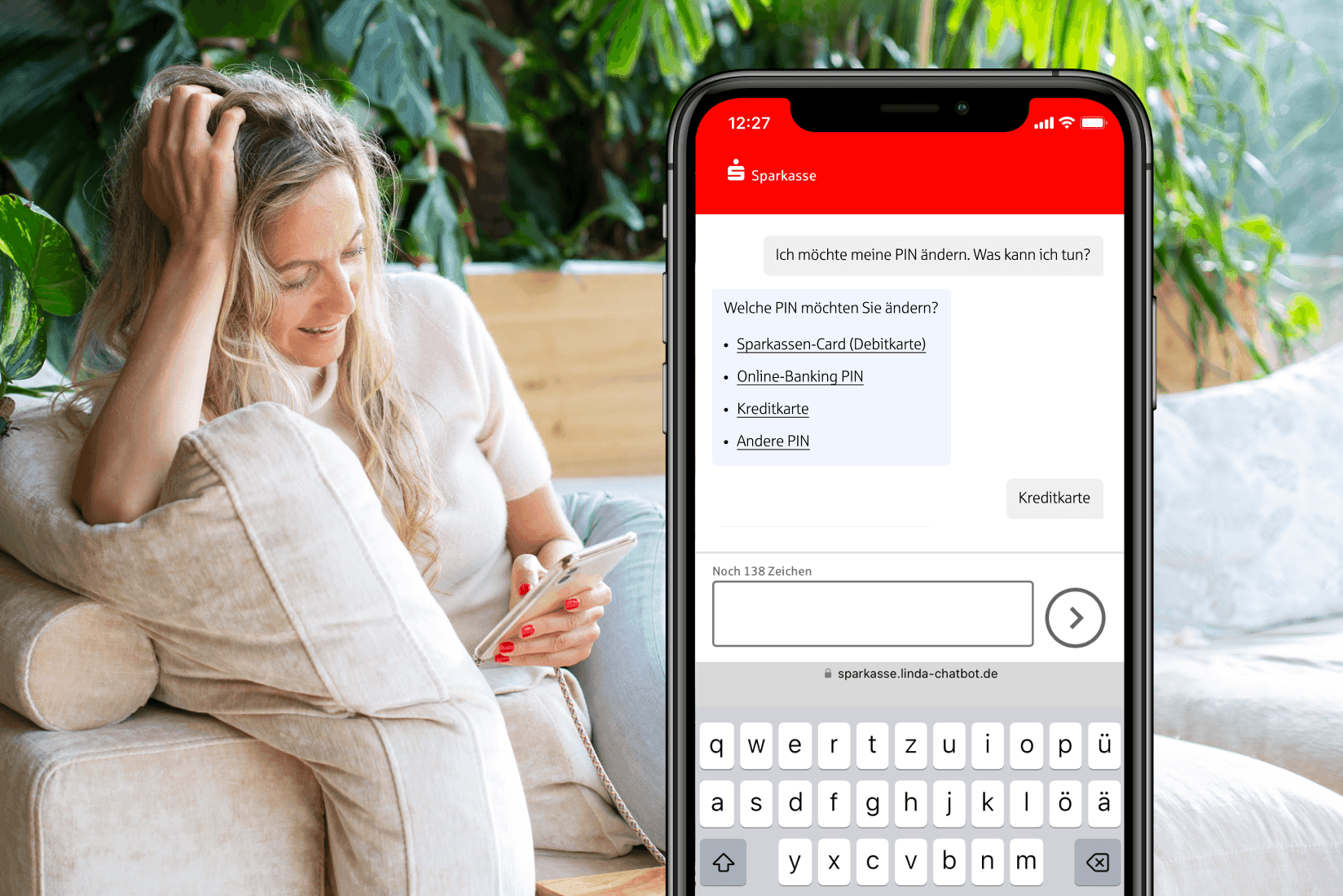
How do I change the PIN for online banking?
You can change your online banking PIN in online banking under the menu item "Security". To confirm, you need a TAN. We recommend using a complex password consisting of numbers, letters, and special characters for your new PIN, and not using it anywhere else.
How much does online banking cost?
Whether Sparkasse's online banking incurs costs depends on your account model. With some models, online banking is free; with others, it may cost a fee per transaction. Information on this is provided in your account documents or from your advisor at your Sparkasse branch.
What are TAN procedures?
TAN (Transaction Authentication Number) is used to confirm transactions in online banking. There are different TAN procedures, such as SMS-TAN, where you receive the TAN via SMS, or chip-TAN, where you generate the TAN using a TAN generator and your bank card. You can find out which TAN procedures your Sparkasse offers on their website or from your advisor.
If you want to connect a new smartphone or mobile phone to your account, you also need to move the pushTAN app there. To move your pushTAN app, you need to register on the new device. To do this, download the app "S-pushTAN" from your App Store or Google Play Store.
Now open your pushTAN app on the new device. Please follow the instructions in the app. Start by clicking "Set up now" and then use the "Request registration data" function.
If you also use the "Sparkasse" app, create a backup on the old phone. This is only necessary if you have personalized your app, for example by creating transfer templates. You can find the function in the menu under Settings. Transfer the backup to your new smartphone. Then download the Sparkasse app again from the App Store/Google Play Store and register with your online banking access data. Finally, load the backup into the app, for example via iTunes.
Also remember to update your data if your phone number has changed. This can be done online under "Settings" and then under "Personal Data".
How secure is e-banking?
E-banking at Sparkasse is secure. Your account and your data are protected by the latest methods, such as chipTAN and pushTAN. By using a secure password, you also contribute to protecting your account.
At what age can teenagers use online banking?
In principle, accounts for students, apprentices, and university students can also be combined with online banking. If you are still a minor, you need the consent of your parents.
How can I set up online banking for my child?
Visit your Sparkasse branch together with your child and open a checking account with a debit card for him/her. The advisor will be happy to activate online banking and mobile banking for your child. As a legal representative, you confirm the activation with your signature. As long as your child is a minor, you as the legal guardian will receive a copy of all account statements sent by mail.
Online banking and mobile banking are so convenient and secure that young people from the age of 14 can also benefit from the advantages of online banking.